
Receipts, simplified
Know where every penny goes
Expenseen turns paper trails into clarity—scan receipts, categorize spend, and get AI-powered summaries so you stay on budget without the spreadsheet grind.
Free to start · Works offline for captures · Your data stays yours
Showing slide 1 of 4: Expenseen home dashboard with budgets and spending chart
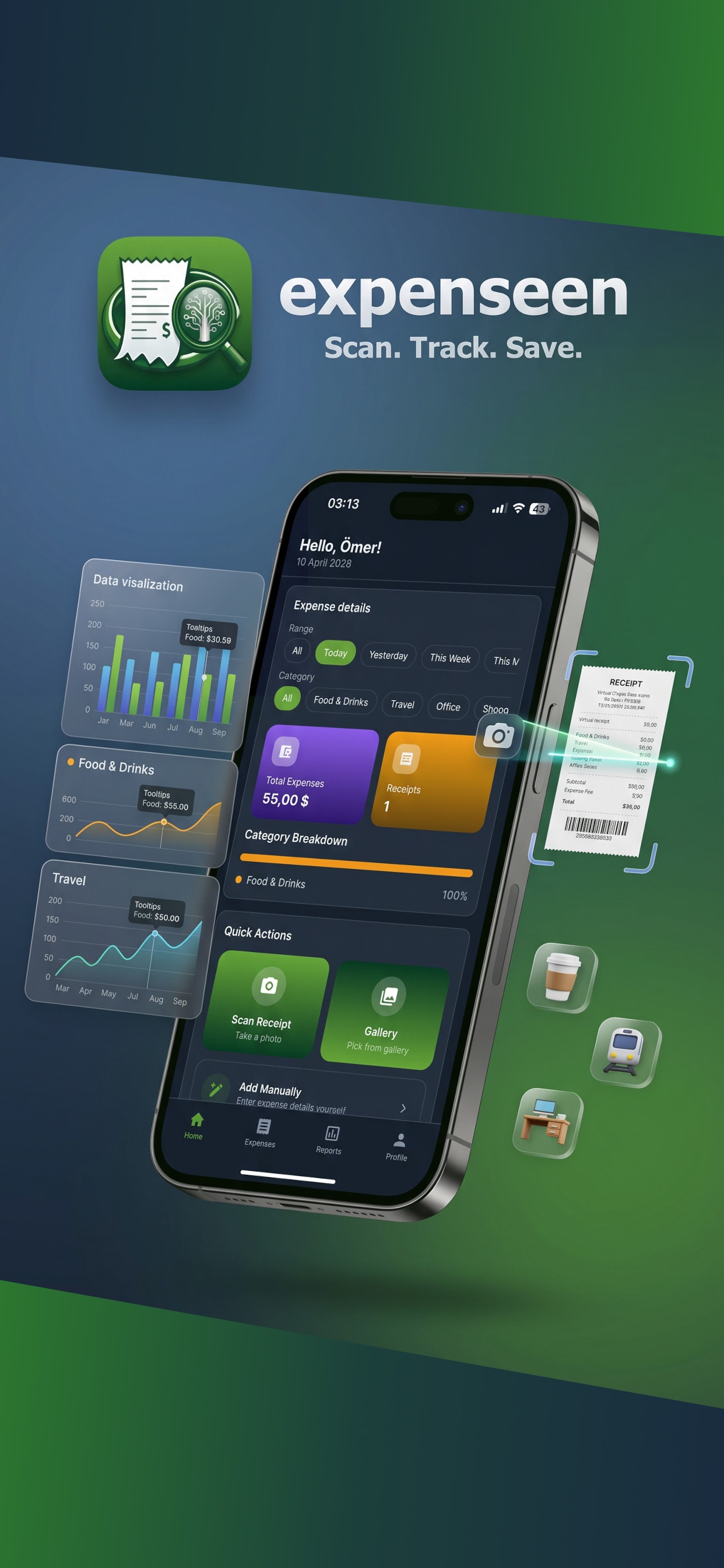
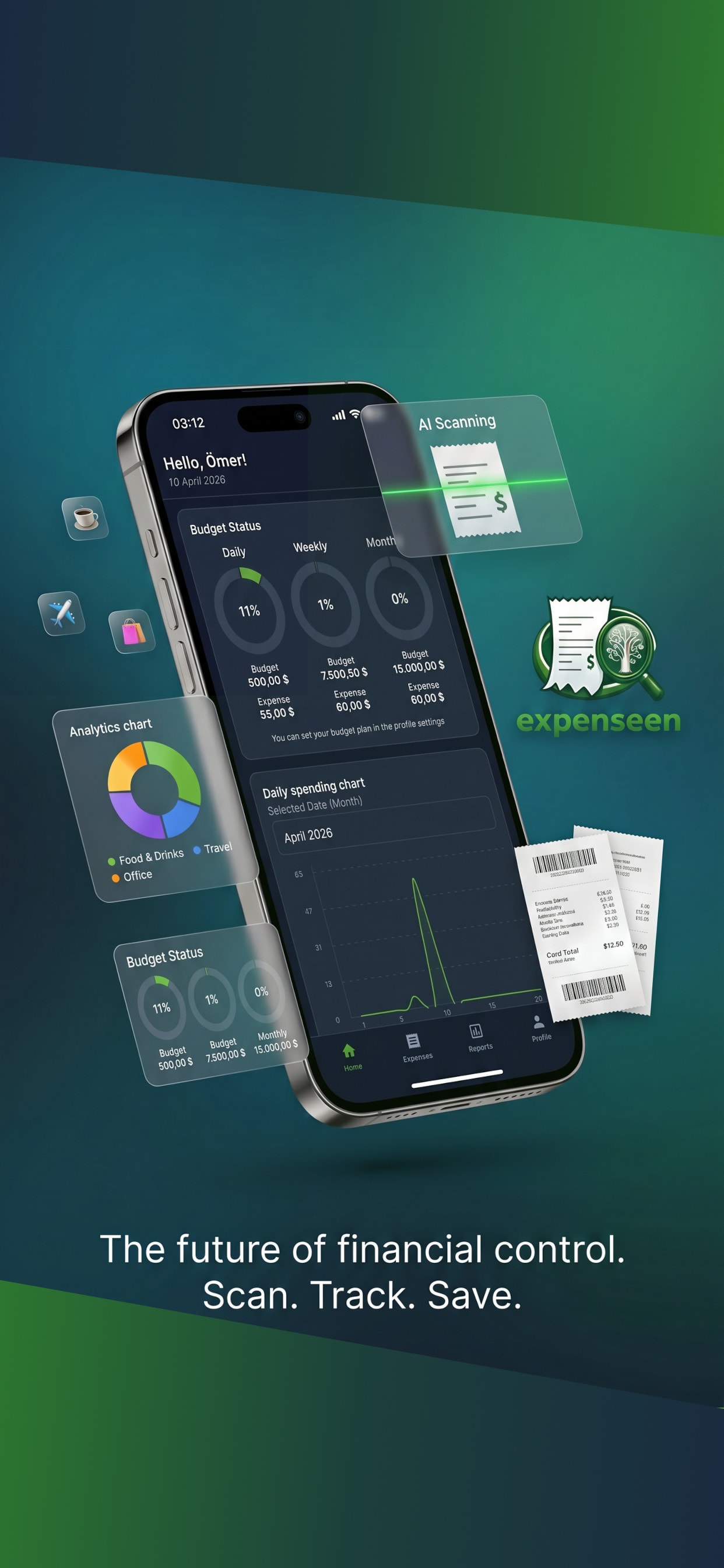
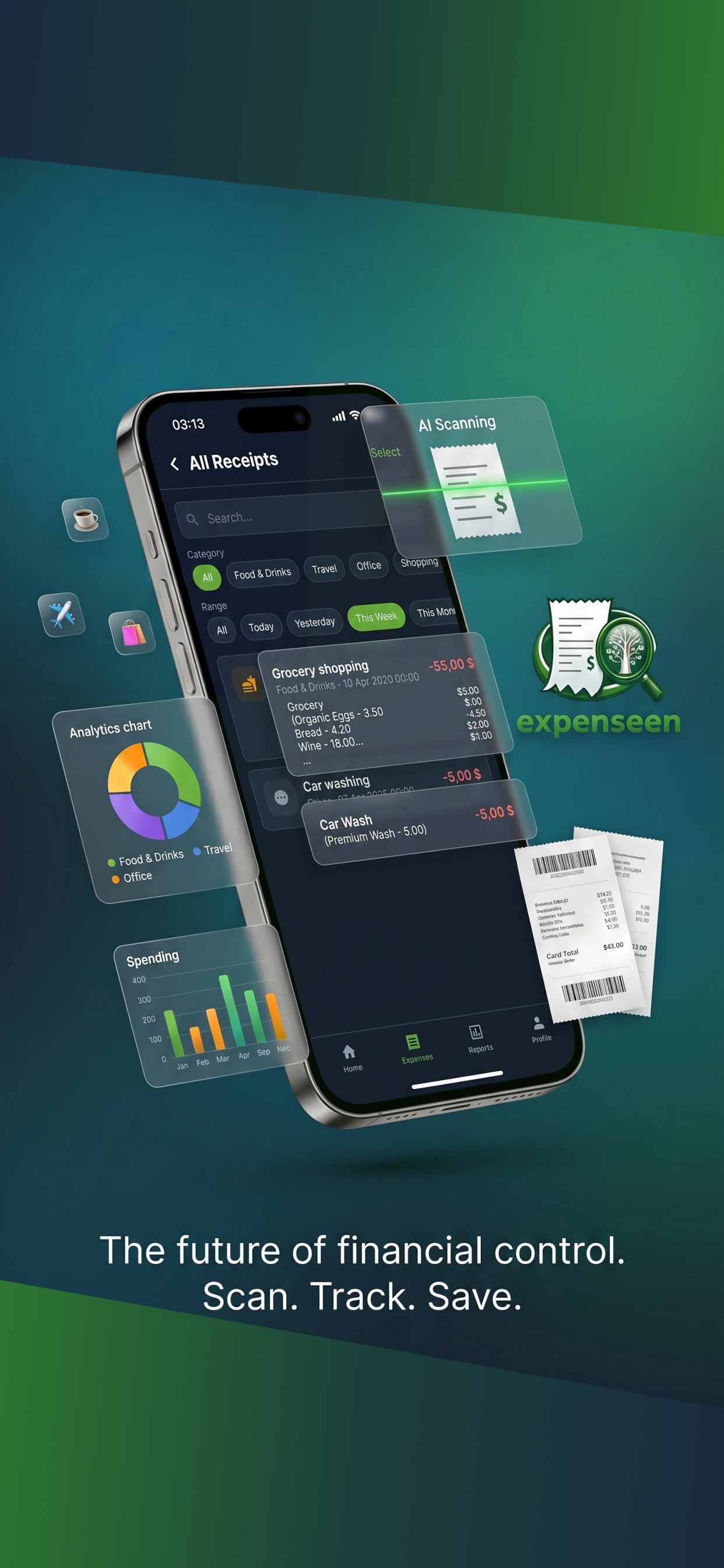
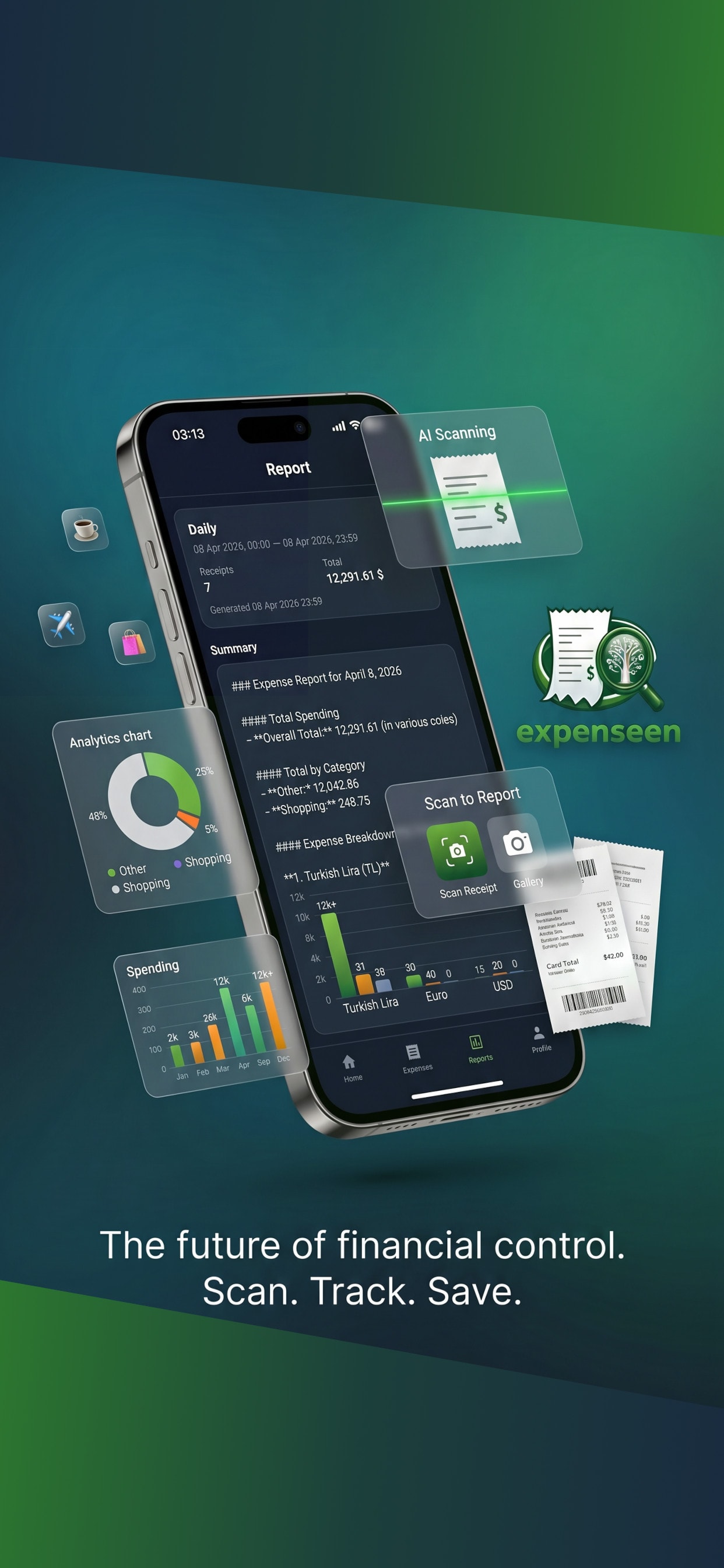
AI
Smart categorization
24/7
Capture anytime
100%
Your data, your control
Everything you need to stay on top of spend
From the first scan to month-end clarity—Expenseen connects the dots so you can focus on decisions, not data entry.
Scan in seconds
Point your camera at a receipt—Expenseen extracts merchants, line items, taxes, and totals so you never type them again.
Spending you understand
See trends by category, merchant, and time period. Spot subscriptions, spikes, and savings opportunities at a glance.
AI that speaks your language
Ask questions about your expenses in plain language and get summaries tailored to how you actually spend.
Built for real life
Multiple currencies, flexible categories, and a UI that works great on your phone—because most receipts happen on the go.
How it works
Three simple steps from paper clutter to confident money decisions—optimized for quick sessions on your phone.
- 01
Capture
Snap a photo of any receipt or invoice. Works in stores, cafes, and for online order confirmations.
- 02
Organize
We parse amounts, VAT, and merchants. You tweak categories once—Expenseen remembers your habits.
- 03
Act
Review dashboards, export when you need to, and chat with AI to understand patterns before they become problems.
Ready for calmer finances?
Download Expenseen and turn receipts into insight—starting with your very next purchase.
Join the waitlist or open the mobile app if you already have access. Contact us